
The Smarter Way To Buy Now. Pay Later.
Operating across three continents Openpay (Opy) pride themselves on their transparent relationships with merchants, partners and consumers and the ability to offer the payment services they and their customers need.
They sought an interactive backend solution for their newly developed online sales demos. This involved multiple user journeys which Opy employees would take potential clients through. Therefore there was scope for front and back end journeys.

Snapshot
Led project scoping and produced documentation to align with stakeholders
Designed interactive demos showcasing a range of user and client scenarios
Created fully designed dashboards based on user requirement-based wireframes
Delivered a solution that improved knowledge transfer and increased OPY sales staff confidence
Project goals
The sales tool had to cater to a diverse user base, including Opy employees and prospective clients exploring payment solutions.
It required a fully customisable backend, capable of adapting to different brands and individual preferences. This involved scoping exercises to identify the most commonly used criteria for configurations.
Furthermore, the tool needed to offer multiple user journey templates, ensuring users had access to a variety of typical journeys in the demos to effectively showcase Opy’s payment solutions.
Finally, the tool design needed design variables, allowing specific parts of user journeys to adjust when backend users applied a new brand palette.
My role
As lead designer for the project, it was my role to scope the project, present ideas throughout the process and deliver final designs.
Spec scoping
My initial role was to collaborate closely with the senior developer at CHS and the Opy US team to devise an intuitive and efficient solution. This involved leading client meetings to ascertain the full scope of the project before crafting and delivering specifications.
Areas to scope included a log in journey, launching a demo, personalising each demo experience and changing the in-built personas.
This was created and completed within Google docs so there could be room for collaboration between teams and an ability to leave comments asynchronously.
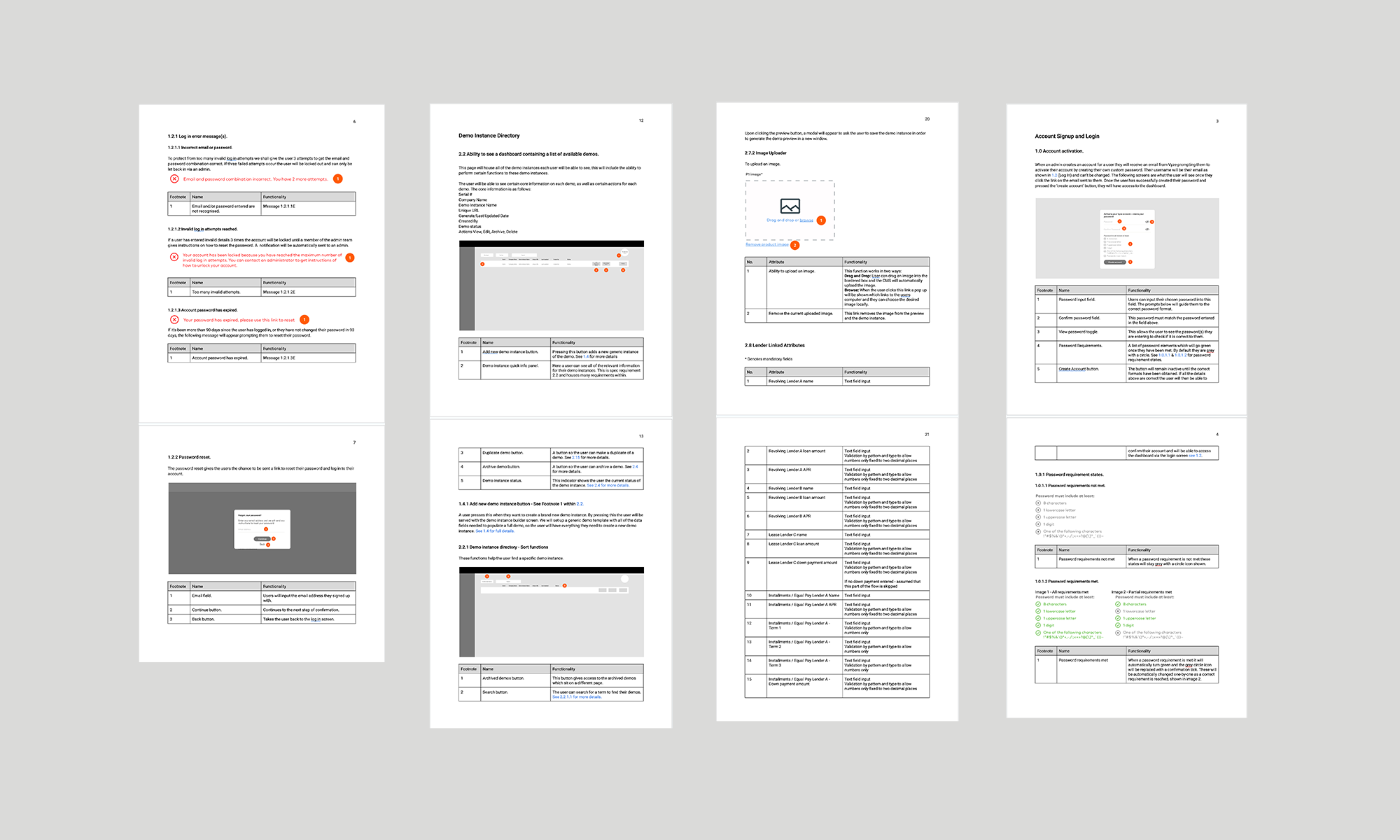
A few specs as shown in an ordered Google doc file, shared with the team.
Wireframing
After the iterative process of the spec delivery, I proceeded to craft wireframes for the various screens required for both the backend and the frontend. The wireframes allowed for an iterative process. These wireframes were initially developed in Sketch without branding and were presented via Zoom using Invision prototypes.
Due to the time difference of teams, comments could be left within Invision for added collaboration offline.
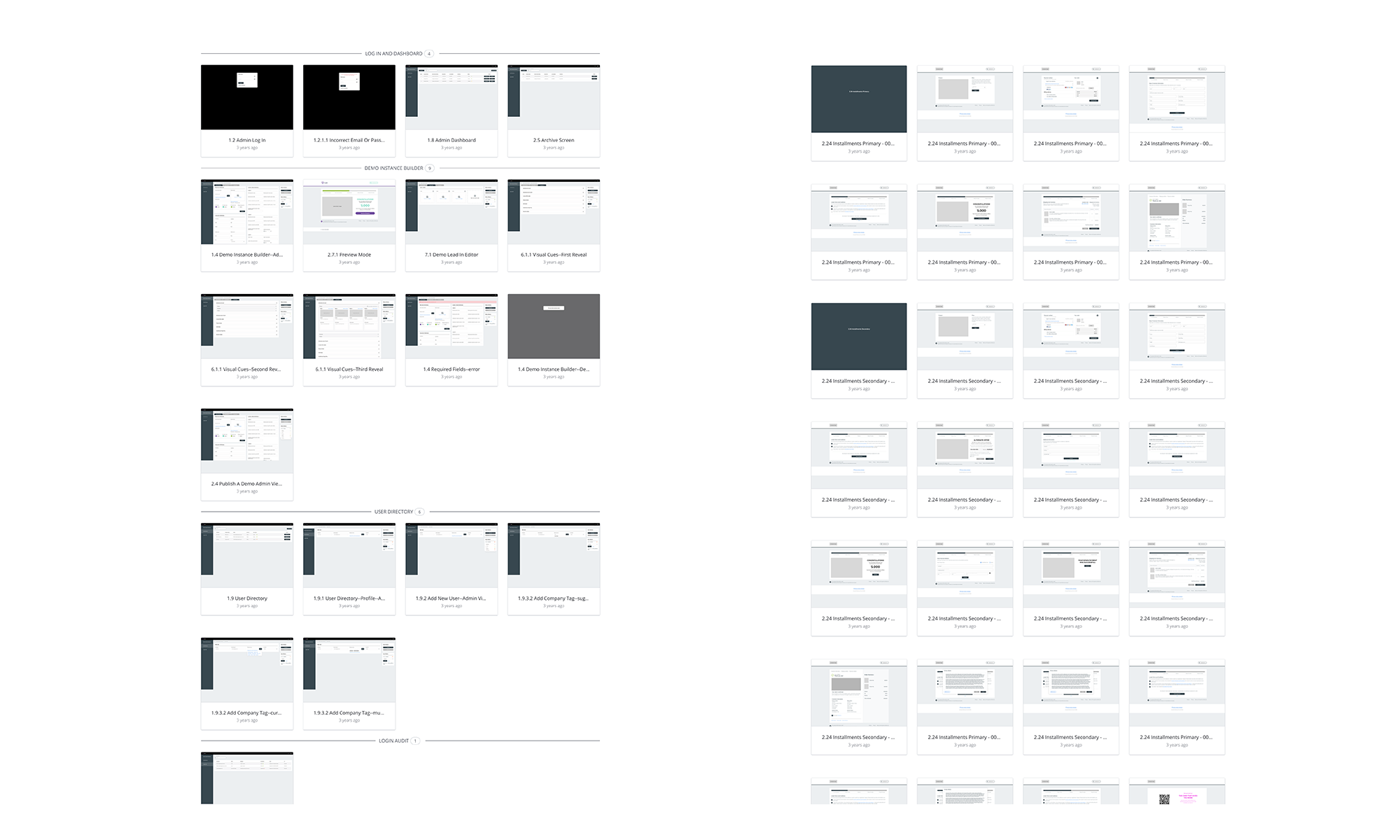
A selection of wireframes from both front and back end designs.
Dashboards and user journeys
Once the wireframes were given the green light, I started the process of designing the dashboard's user interface, employing components and text styles within Sketch.
This approach offered a substantial advantage, allowing for swift design adjustments and iterations that seamlessly changed across all project screens.
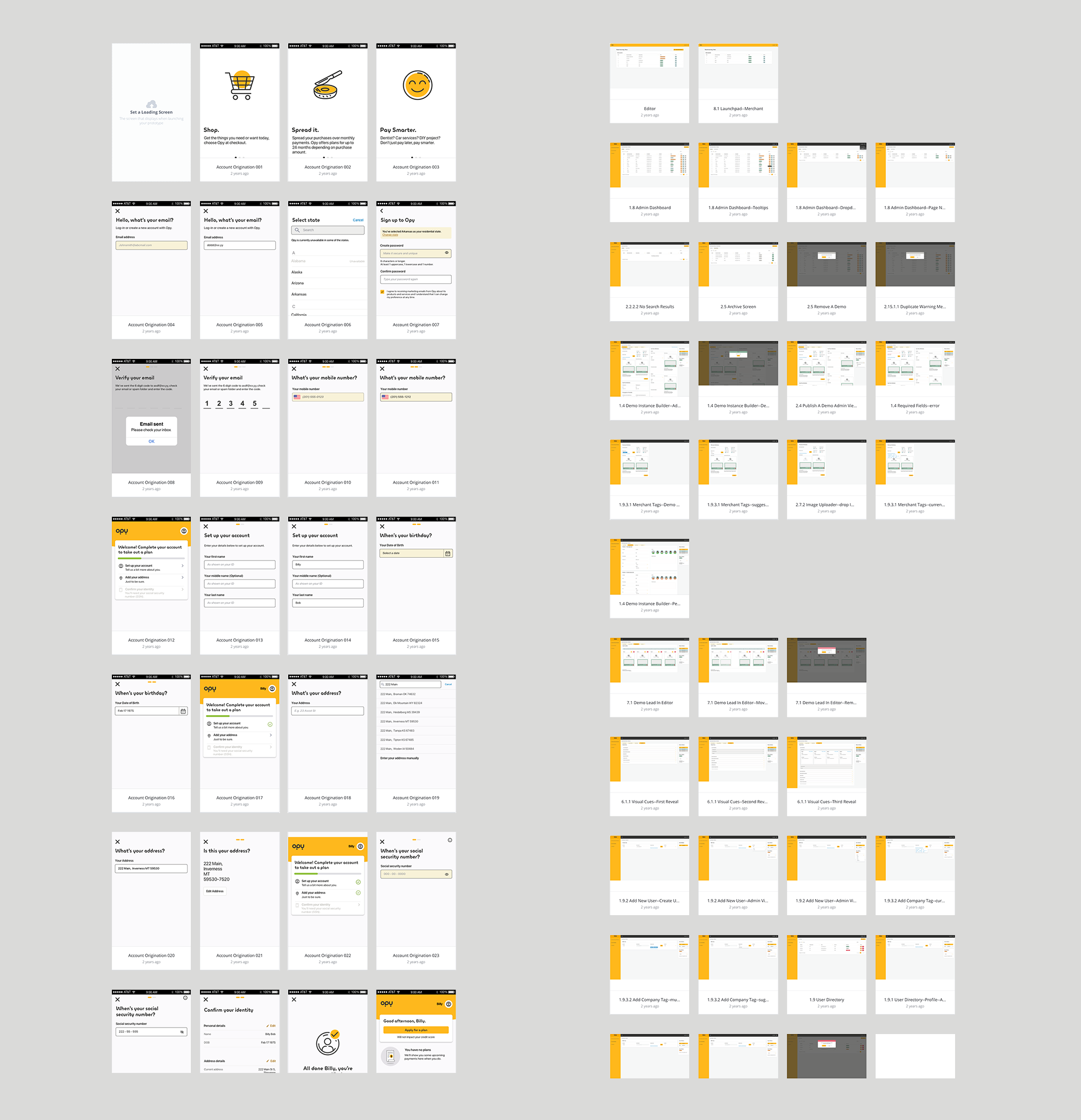
A selection of designed screens as shown in Invision.
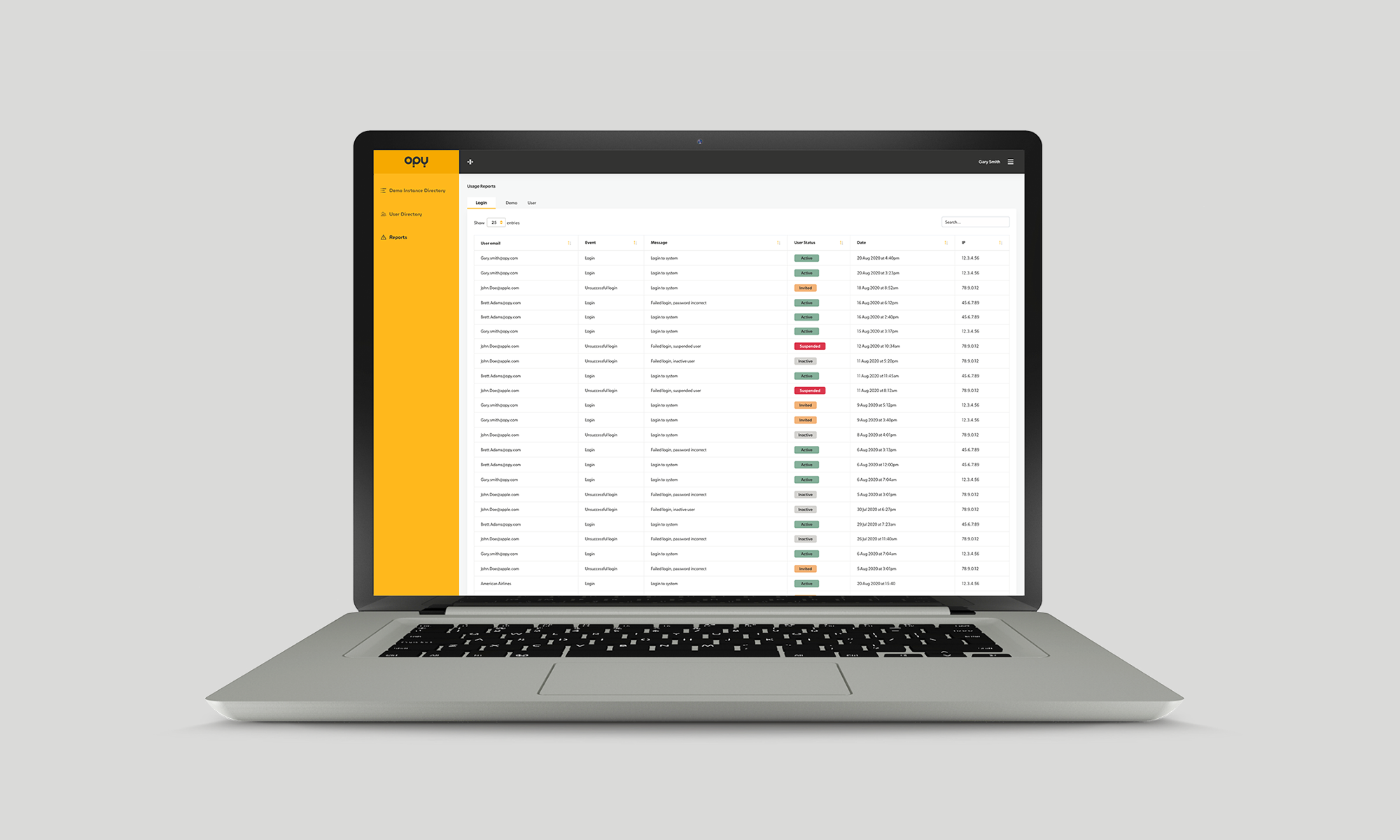
A concept of the report screen where a user can see various reports with statuses.
The outcome
The Opy US team expressed their excitement with the sales tool's outcome and, in fact, had additional projects planned for the team based on the success of this endeavour.

A selection of dashboard screens including a demo directory, launcher screen, demo attributes editor, persona editor and log in screen.
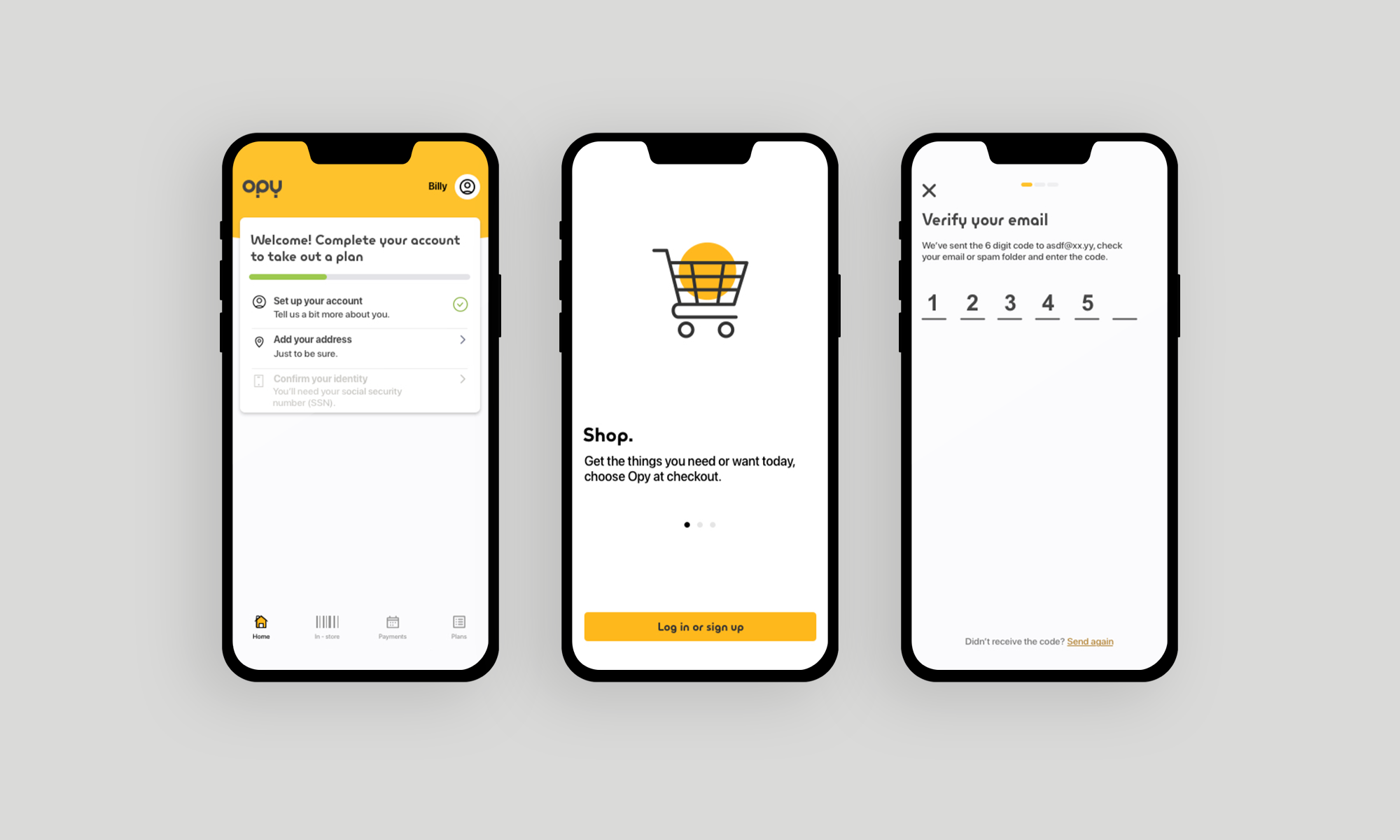
A taste of the user onboarding journey